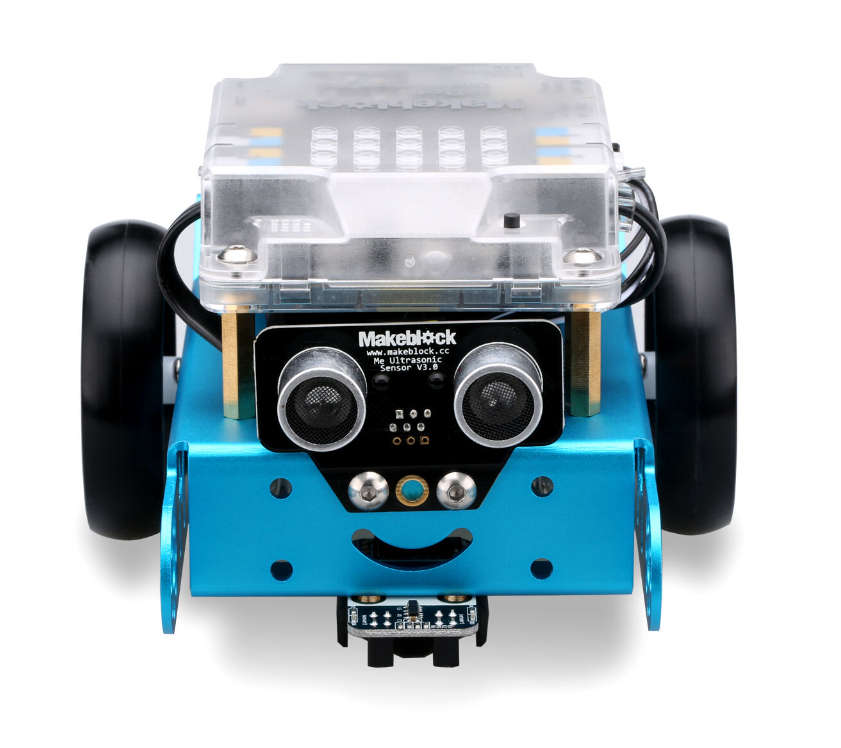
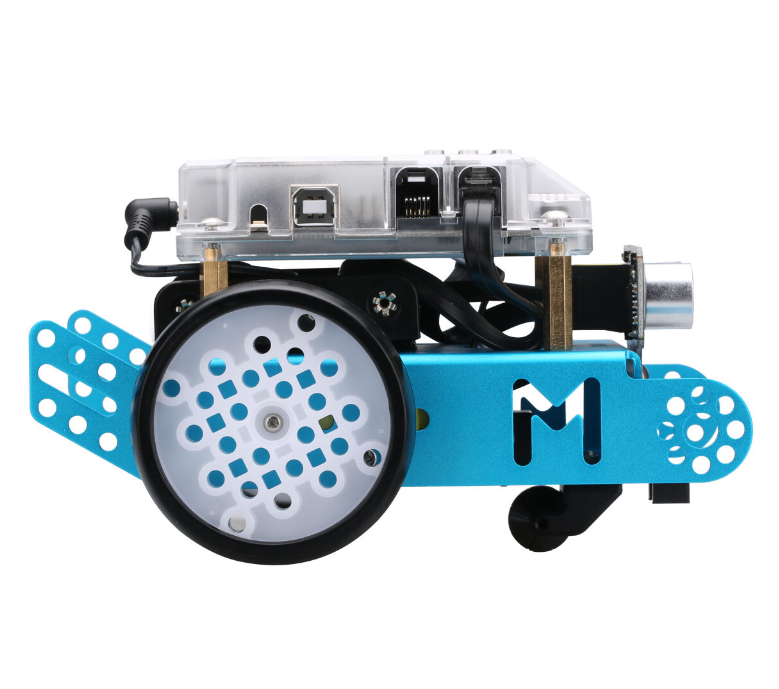
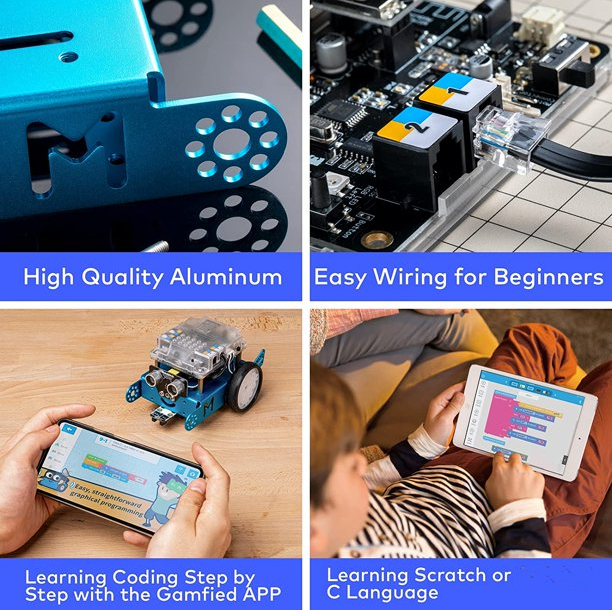
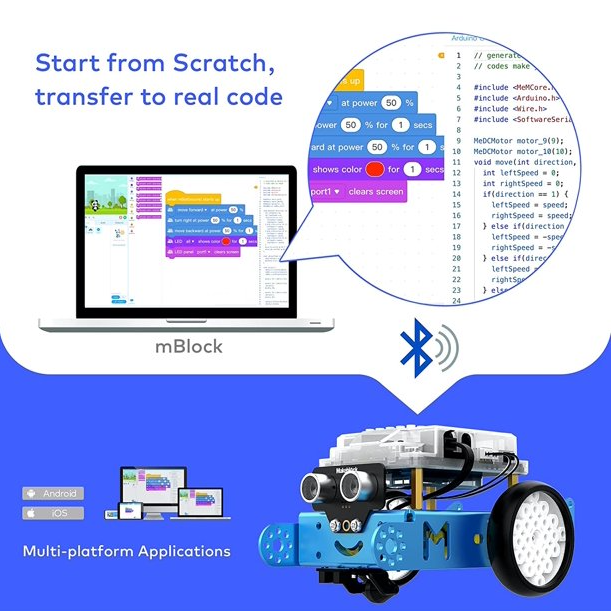
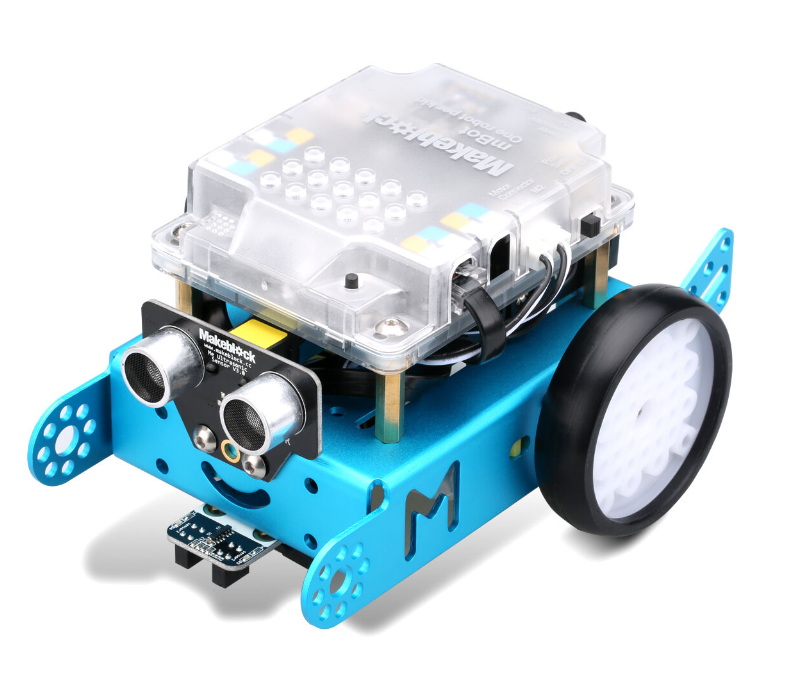
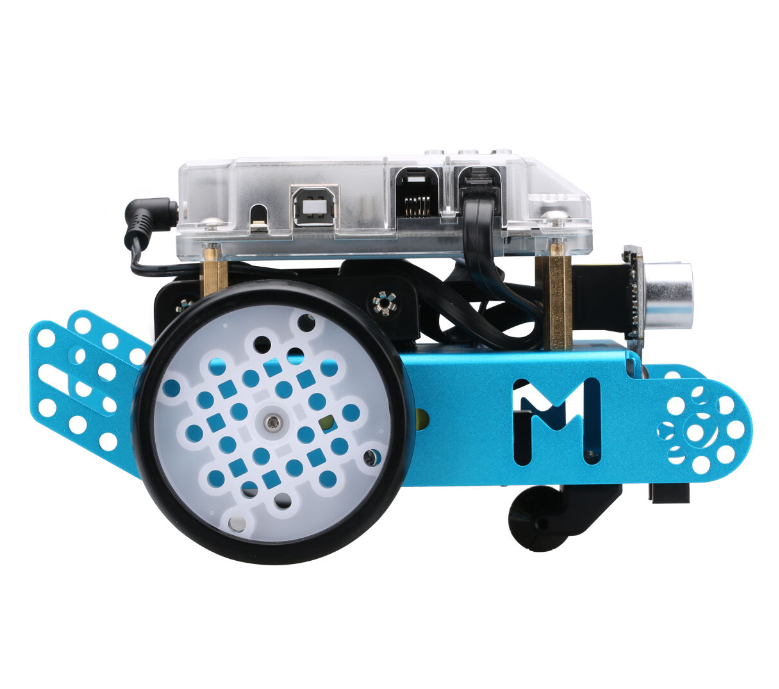
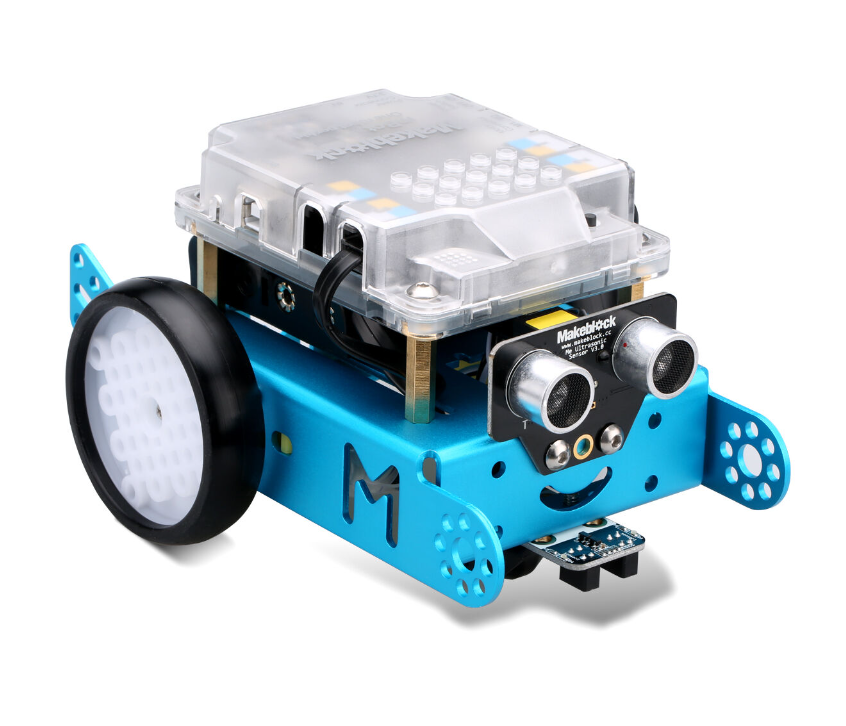
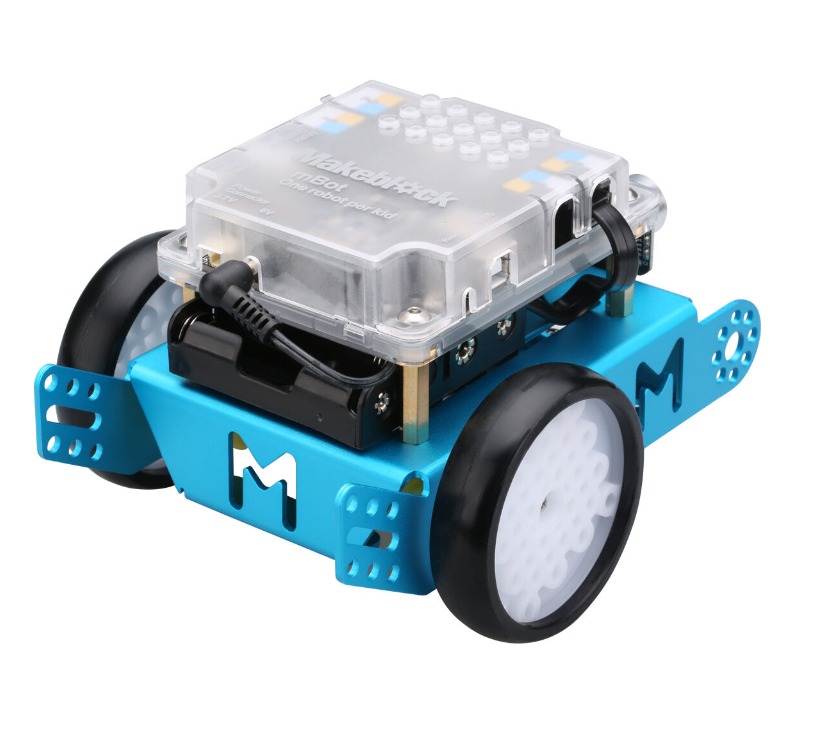
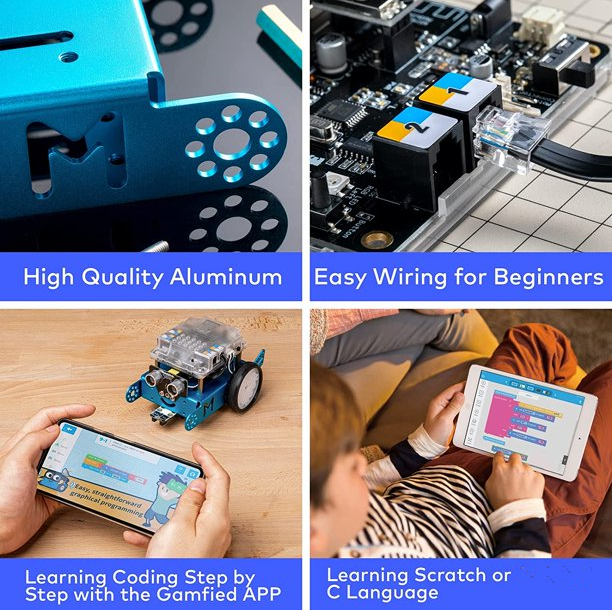


Based on Scratch 2.0, developed by MIT Media Lab. Intuitive, graphical drag-and-drop interface that makes coding accessible and enjoyable for everyone.
Free software supporting Windows and Mac operating systems, complete with open-source capabilities for future exploration and deep programming customization.
Supports wireless Bluetooth communication for seamless connectivity. Write your programs and upload them wirelessly directly to the mBot.
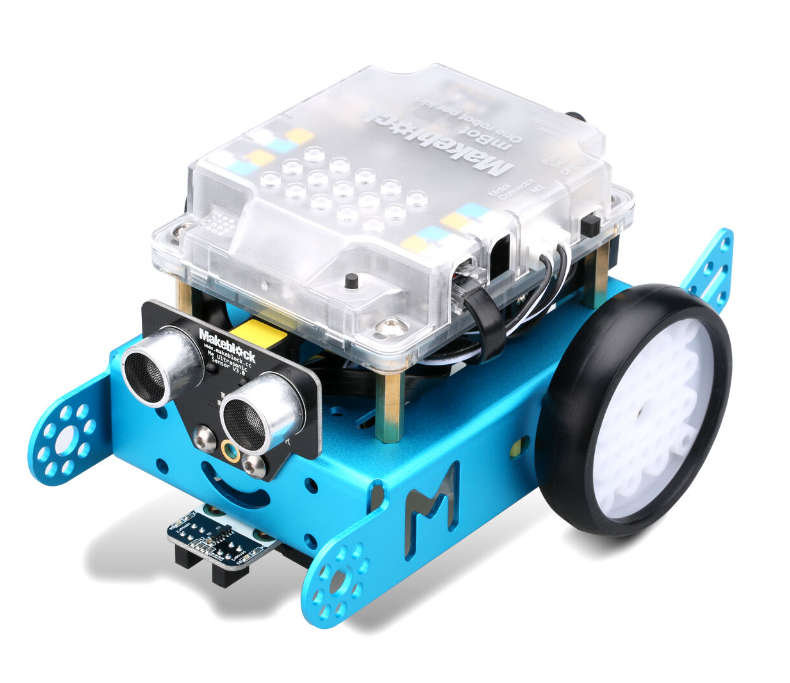
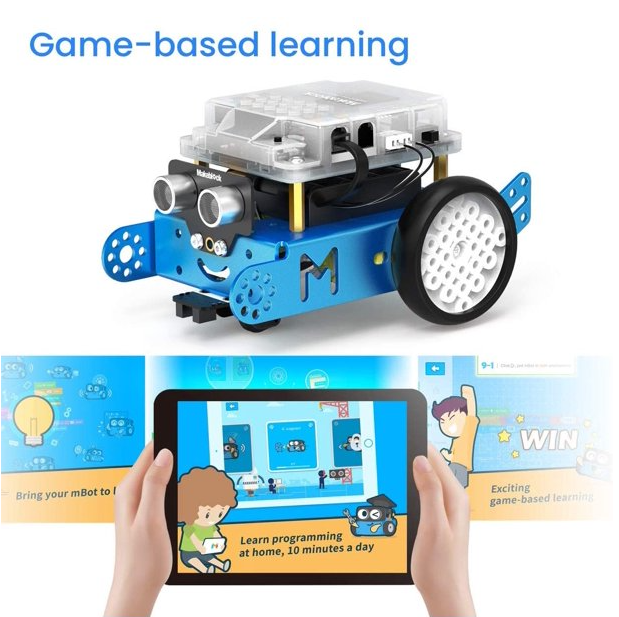
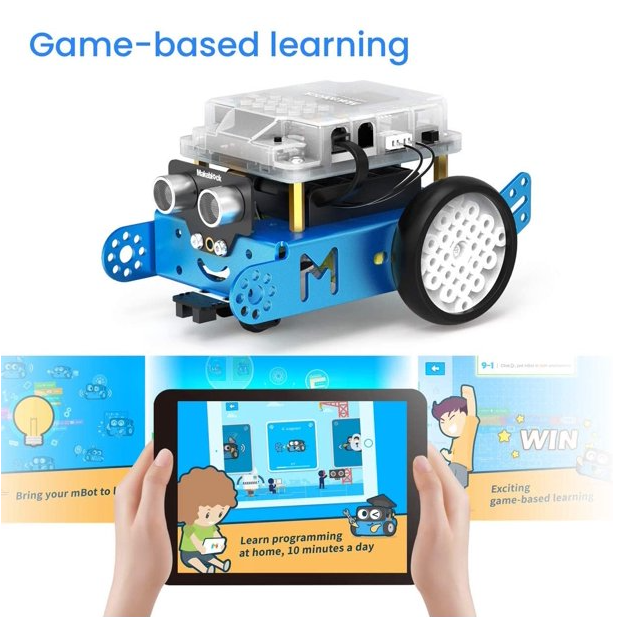
Designed for learning electronics, robotics, and programming in a simple and fun way, mBot is an excellent educational robot toy and it helps kids to learn programming step by step via interactive software and rich tutorials.
Makeblock offers rich tutorials, available both on the online community and coding cards (included) for mBot while playing. Matched with 3 free Makeblock apps and mBlock software, kids can enjoy remote control, play programming games, and program with mBot.
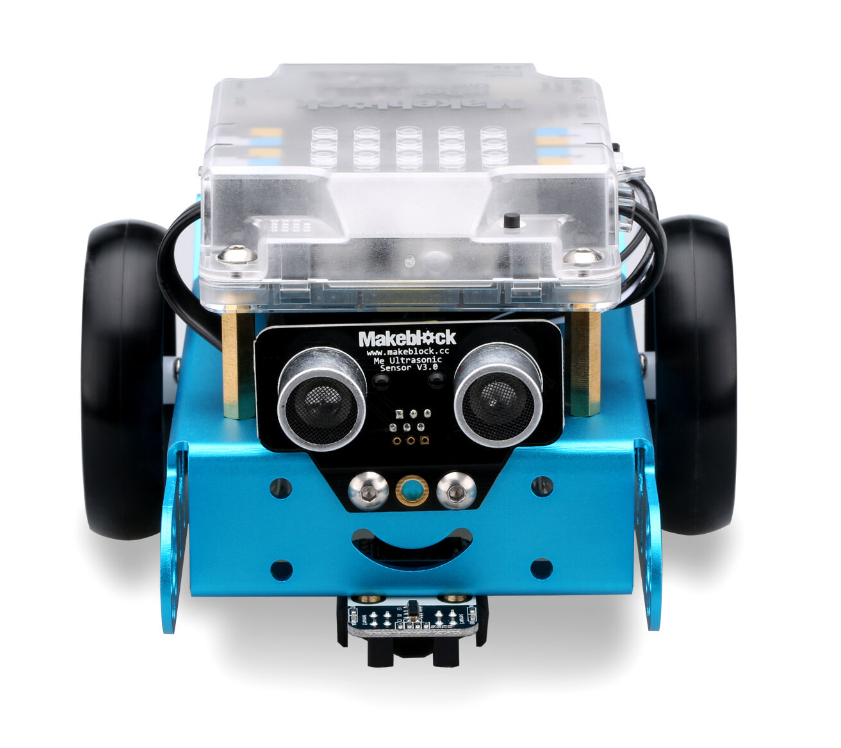
Configuration with an open-source system, mBot is compatible with rich add-on packs. mBot STEM robotics can be connected to 100+ electronic modules and 500+ parts from the Makeblock platform to easily customize your robot.
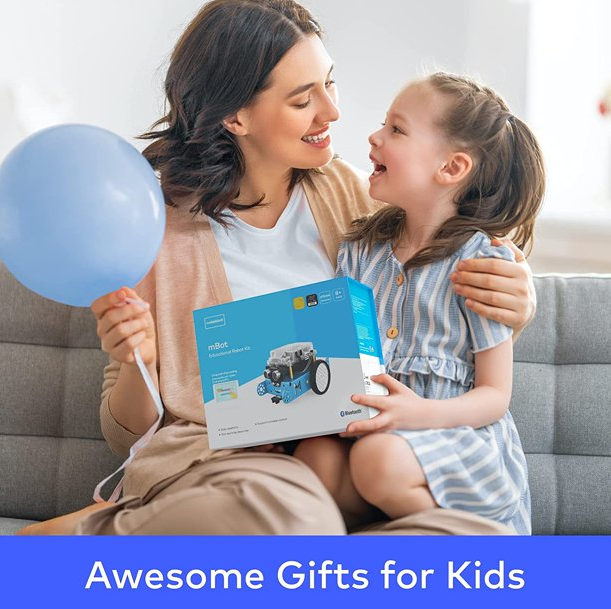
Surprise your little kids with super cool DIY robotics kits and let them discover the secrets of programming & electronics. Perfectly packaged educational toy gift for Birthday, Children's Day, Christmas, Chanukah, Easter, STEM, Summer Camp Activities, Back to School, and Home Fun Time.
Frequently Asked Questions
Q: What age group is Makeblock mBot suitable for?
mBot is designed primarily for kids aged 8 and up. With its intuitive Scratch-based graphical programming software and step-by-step tutorials, even younger beginners can learn coding and robotics fundamentals with guidance.
Q: Do kids need prior coding experience to use mBot?
No prior experience is necessary. mBot features drag-and-drop block-based programming (Scratch 2.0 / mBlock) that allows beginners to build logical routines visually before advancing to text-based code.
Q: Which operating systems and devices are supported?
The programming software and Makeblock apps support Windows, macOS, as well as iOS and Android smart devices for wireless Bluetooth control and interactive coding.
Q: Can mBot be expanded with extra hardware and sensors?
Yes. mBot is built on an open-source platform and is fully compatible with over 100 Makeblock electronic modules, 500+ mechanical parts, and standard LEGO bricks for endless custom DIY creations.
Q: How does mBot communicate with my computer or tablet?
mBot connects wirelessly via the included dual-mode Bluetooth module or wired using the provided standard USB-A to USB-B cable, enabling easy code uploading and real-time remote commands.
Q: How long does it take to assemble mBot?
Thanks to clear color-coded RJ25 wiring and an included screwdriver, assembly typically takes around 15 to 30 minutes, providing a fun and hands-on mechanical building experience.